remove.bg closes on 1 December 2026
The free remove.bg alternative that never uploads your photo
EraseBG removes backgrounds in your browser, on your own device. No credits, no account, no watermark, and every download is full resolution. Drop an image and it is done in about a second.
- No upload
- No signup
- No credits
- Open source
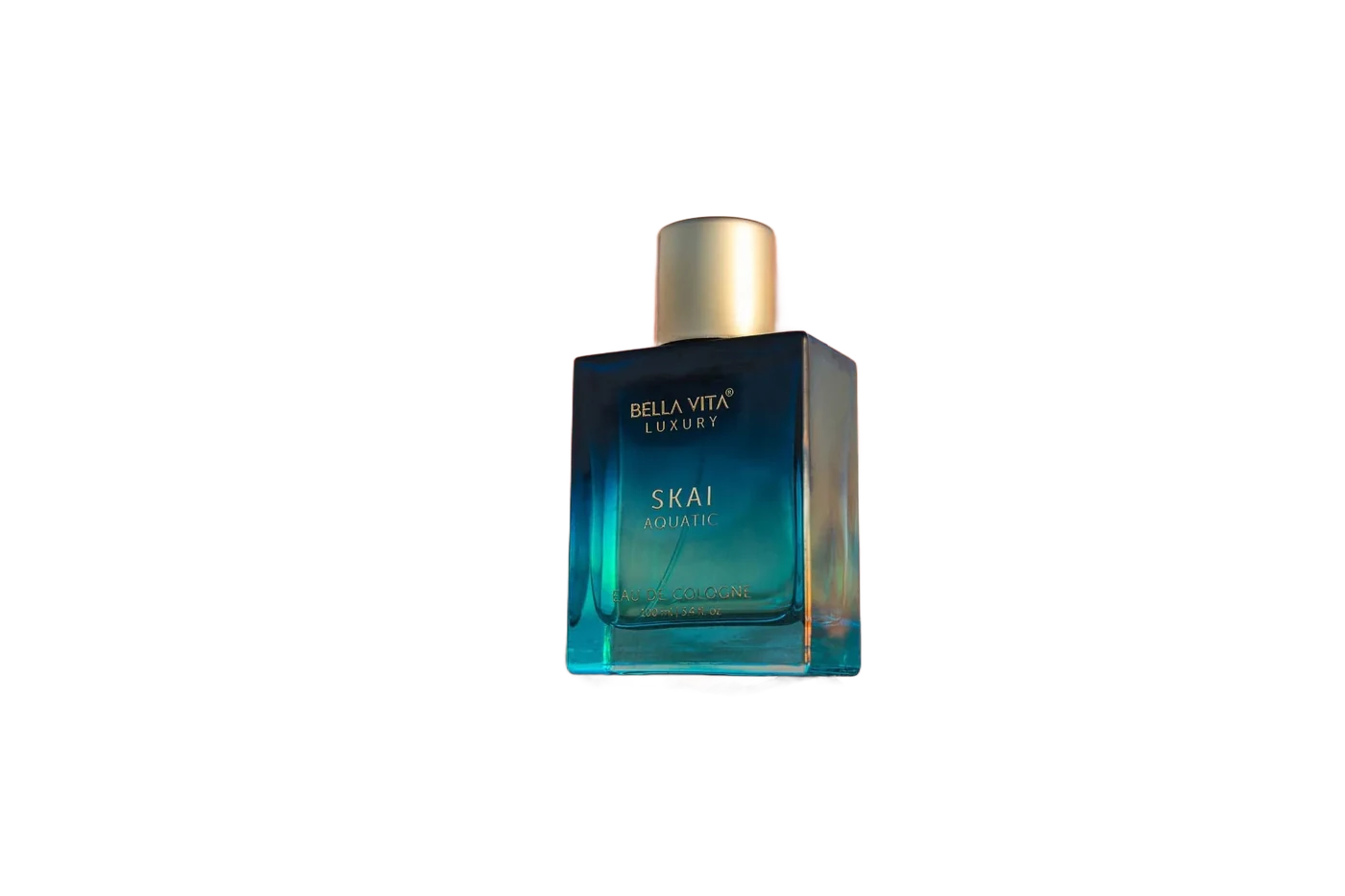
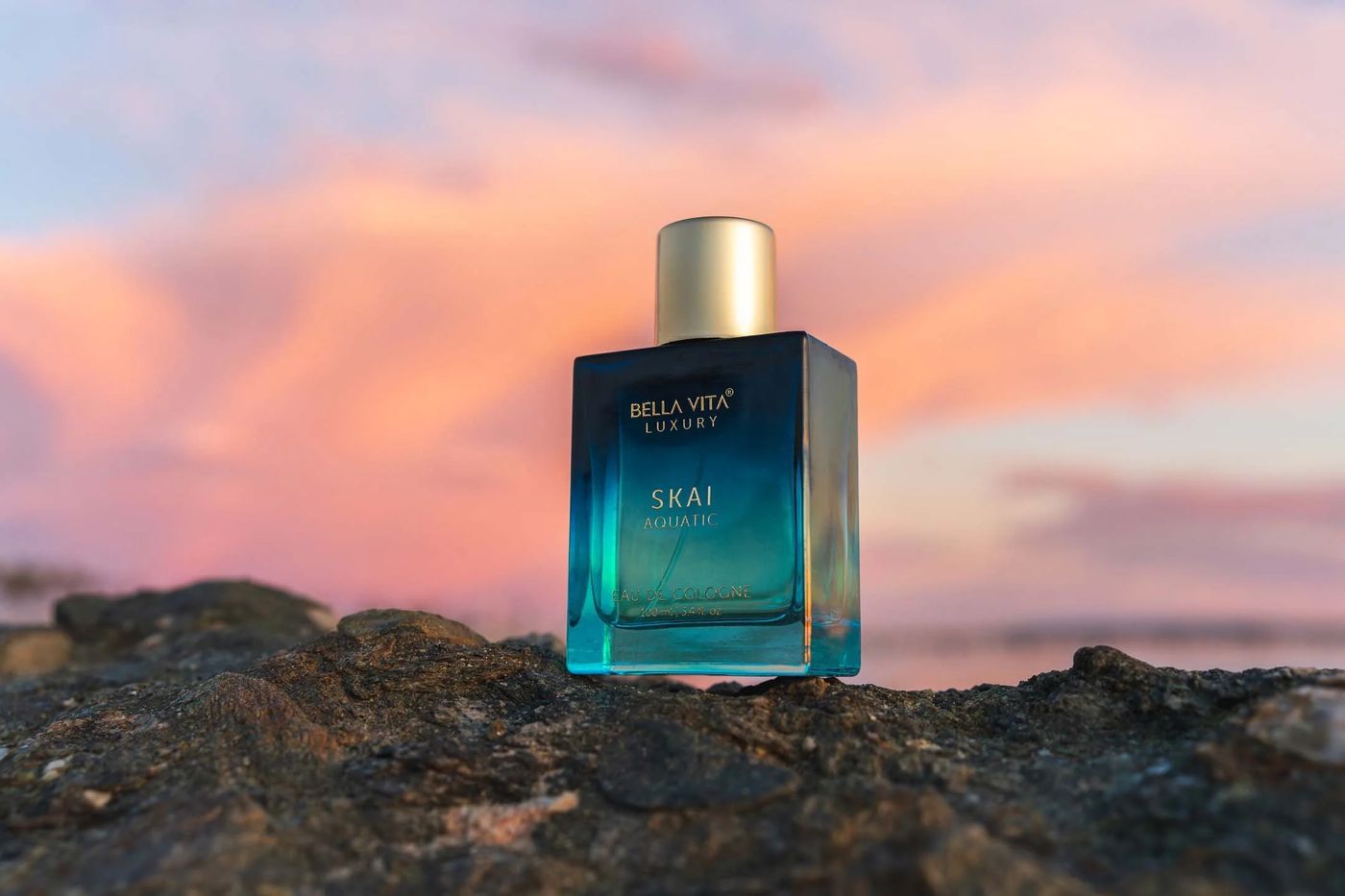 Before
After
Before
After
Straight from the model, no touch-up. Drag to compare.
What changes on 1 December 2026
remove.bg was bought by Canva in 2021. It has now announced that the website shuts down, unused credits expire at 09:00 CET that day, and the API moves to Leonardo.Ai. The background remover itself continues only inside Canva, with a Canva account.
Credits stop working
Anything you have bought and not used is gone on the shutdown date. EraseBG has no credits, so there is nothing to lose again.
Full size moves behind Canva
Full resolution output needs a Canva login. EraseBG exports every image at its original pixel count, free, without an account.
Uploads stay uploads
Canva processes on its servers like remove.bg did. EraseBG runs the model in the browser tab, so the photo never leaves your device.
remove.bg vs EraseBG
Side by side, for the things people actually used remove.bg for.
How to switch from remove.bg
There is nothing to migrate. Your old results are files on your disk; new ones come from here.
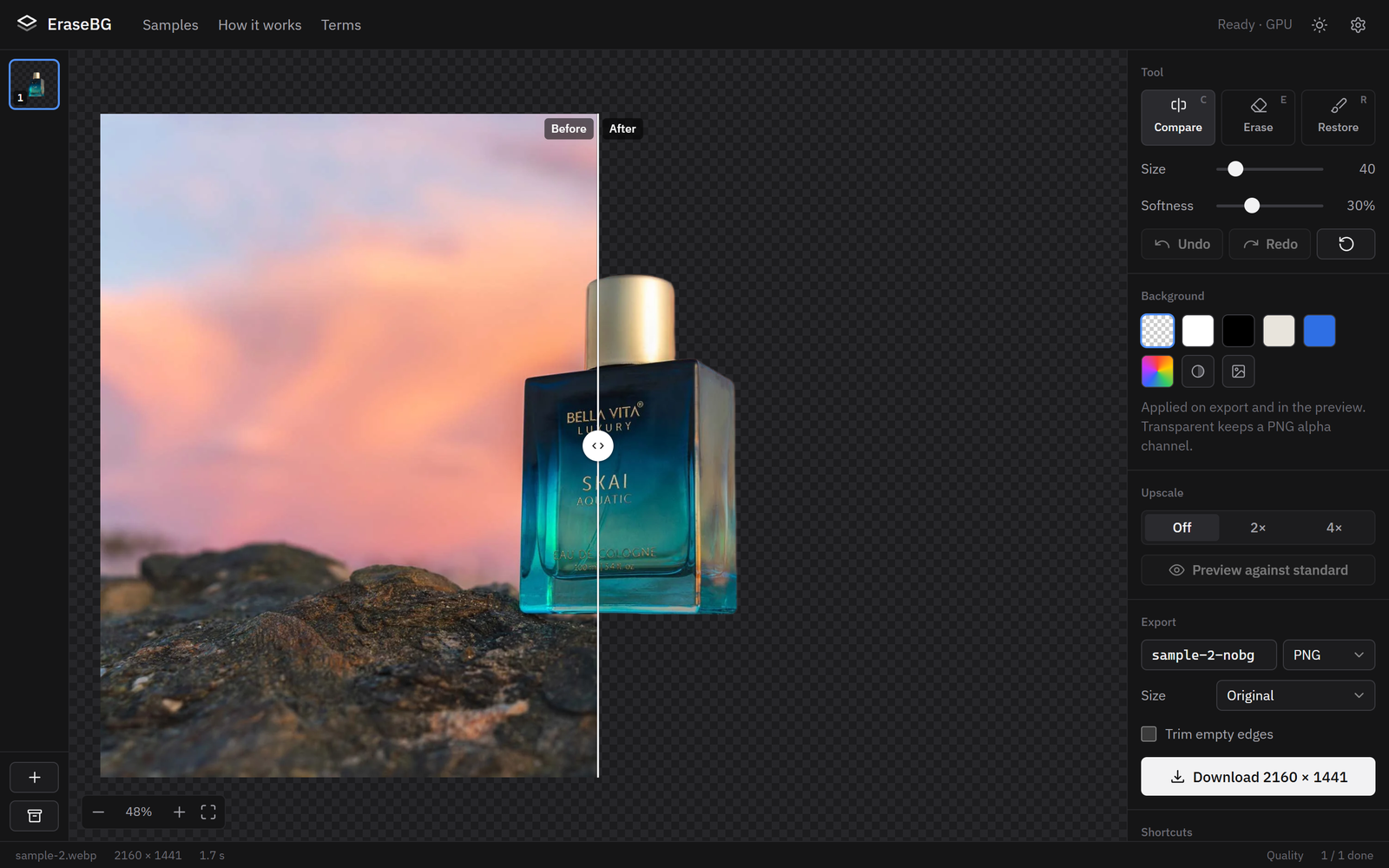
Open EraseBG and drop your images
Drag files in, paste from the clipboard, or tap to choose. Several at once is fine. The first visit downloads a model, between 44 MB and 219 MB, and caches it.
Check the edges, touch up if needed
Drag the divider to compare, zoom into hair or glass, and use Erase or Restore for anything the model missed. Pick a background colour or image if you want one.
Download at full resolution
PNG with transparency, WebP, or JPG. Original size by default, optional 2× or 4× upscale, and a ZIP for batches. No credit is spent because there are none.
Who this is for
Sellers and small shops
Product photos for Amazon, Etsy, eBay or Shopify, in batches, at the size the marketplace wants. No per-image cost.
Designers and marketers
Quick cut-outs for decks, ads and thumbnails without opening a heavy editor or paying for a subscription you use twice a month.
Anyone who cares about privacy
Family photos, ID pictures, client work under NDA. Nothing is uploaded, and you can verify that in the browser's network panel.
Need an API for a server pipeline? That is the one thing EraseBG does not do. remove.bg's API customers are being moved to Leonardo.Ai.
Questions about switching
Is remove.bg really shutting down?
Yes. remove.bg's own FAQ states the website closes on 1 December 2026, credits expire at 09:00 CET that day, and the API moves to Leonardo.Ai. The feature continues inside Canva for Canva users.
Is EraseBG free at full resolution?
Yes. The mask is applied to your original pixels, so a 24 megapixel photo exports at 24 megapixels. There are no credits because your own hardware does the work.
Is the quality as good as remove.bg?
On hair, fur, glass and product edges the Quality model is comparable, and the samples page shows raw results with no touch-up. Where it differs, the brushes fix it in seconds.
Do my photos get uploaded anywhere?
No. Open the network panel in your browser while processing: after the model is cached, there are no requests at all.
What happens to my remove.bg credits?
They expire on 1 December 2026. Use them before then. EraseBG needs none.
Does it work on phones?
Yes, on iOS 26 Safari and Android Chrome, with a layout made for phones. Exports keep full resolution.
Can I batch process like the remove.bg desktop app?
Drop as many images as you like. The first opens while the rest process, then download everything as a ZIP.
Is the code open?
Yes, MIT licensed on GitHub. It is a static site, so you can also self-host it.
Ready when you are
No account to create, nothing to install. The first image takes a moment while the model downloads; every one after that is about a second.
Open EraseBG